 admin
admin
Understanding how to use a power drill makes it easier to tackle furniture assembly, fit cabinet handles and prepare holes for shelving. The essentials are straightforward: select a suitable bit, secure the material and adjust the tool’s settings to match the job. A little preparation helps prevent damaged screws, uneven holes and avoidable injuries.
For a first attempt, choose a simple project and rehearse on an offcut rather than a finished surface. This gives you a chance to feel how the trigger, gears and clutch respond before accuracy matters.
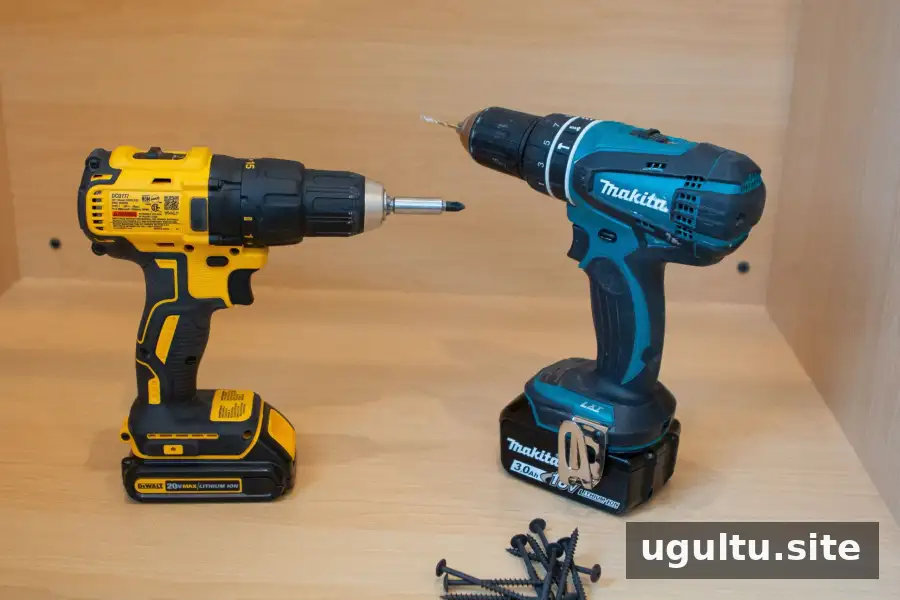
Getting Familiar with a Power Drill
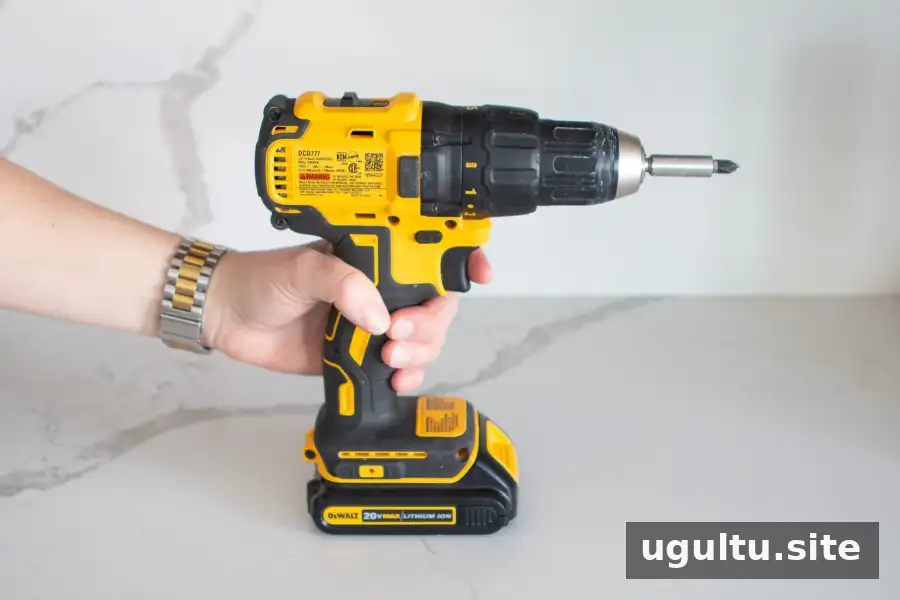
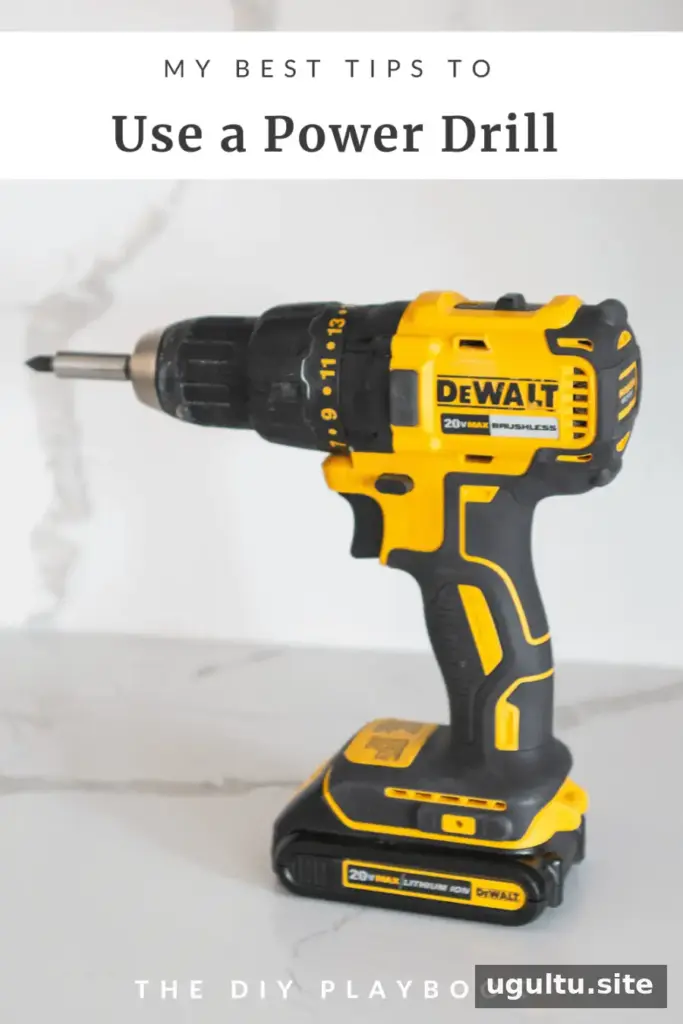
A drill turns an interchangeable bit to bore holes or tighten fasteners. Battery-powered versions offer cordless operation, while the chuck at the front grips the bit. Before working, identify the trigger, direction switch, gear selector and clutch collar using your tool’s manual.
Quick check: Inspect the bit for damage and confirm that the battery has enough charge for the task. A loose bit or unsuitable accessory can make the tool difficult to control.
Drill, Impact Driver or Hammer Drill?
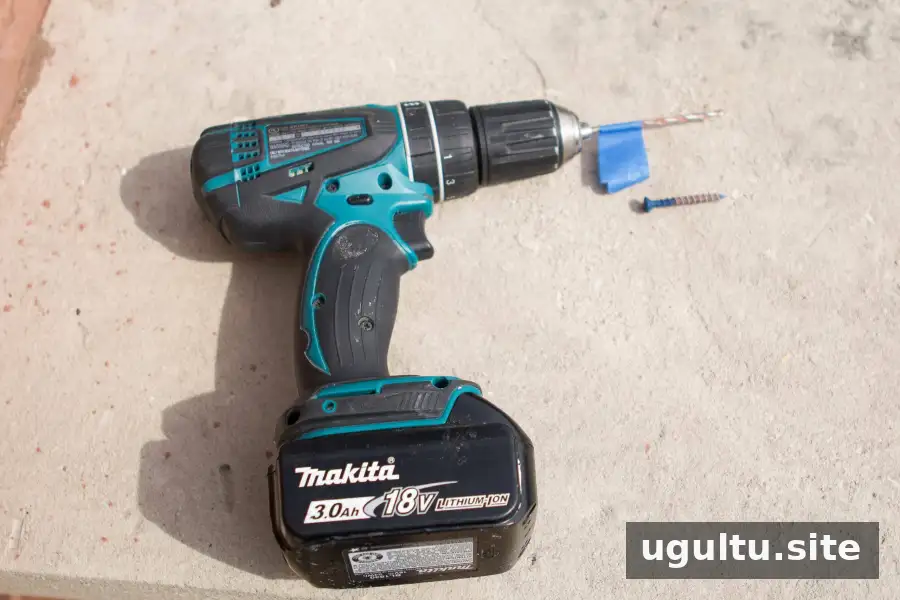
- Standard drill: Handles many routine drilling and screwdriving jobs in materials such as wood and plastic when fitted with the appropriate bit.
- Impact driver: Applies rotational impacts to help drive screws and bolts, particularly longer fasteners or those meeting greater resistance. Use compatible accessories and take care not to overtighten.
- Hammer drill: Combines rotation with a hammering action for suitable masonry applications, including brick or concrete. Both the tool and masonry bit must be appropriate for the surface.
Choose according to the material and fastener rather than assuming that a more powerful tool is always better. For many small household projects, a standard drill provides sufficient capability.
Household Jobs a Drill Can Help With
Common uses include assembling flat-pack furniture, mounting cabinet hardware, fitting window treatments and making holes for wall anchors. Repetitive fastening tasks also become less tiring when the drill is set up correctly.
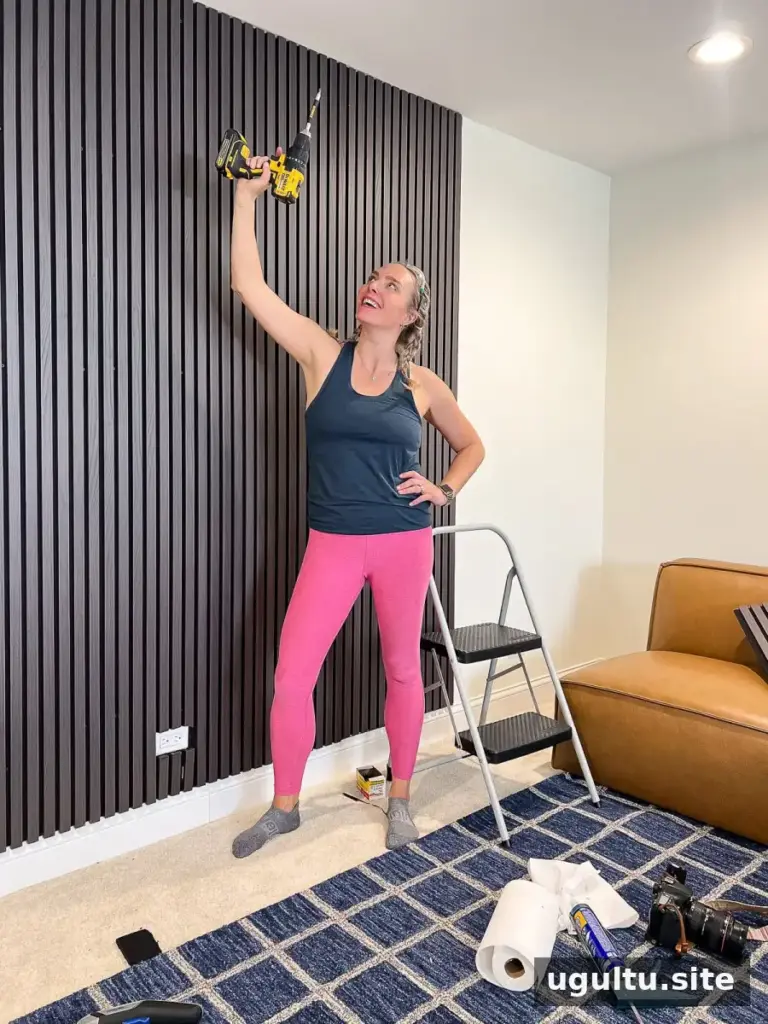
Before making holes in a wall, investigate possible electrical cables and water pipes. Match the fixing to the wall construction and supported load; a neatly drilled hole does not make an unsuitable anchor safe. If hidden services cannot be confidently located, seek qualified help before proceeding.
Drill Prices and Kit Contents
The price examples supplied with this guide place drill kits at approximately $70 to $99. More extensive kits containing bits, accessories and an additional battery pack may fall between $150 and $200. Treat these figures as reference points rather than guaranteed current prices.
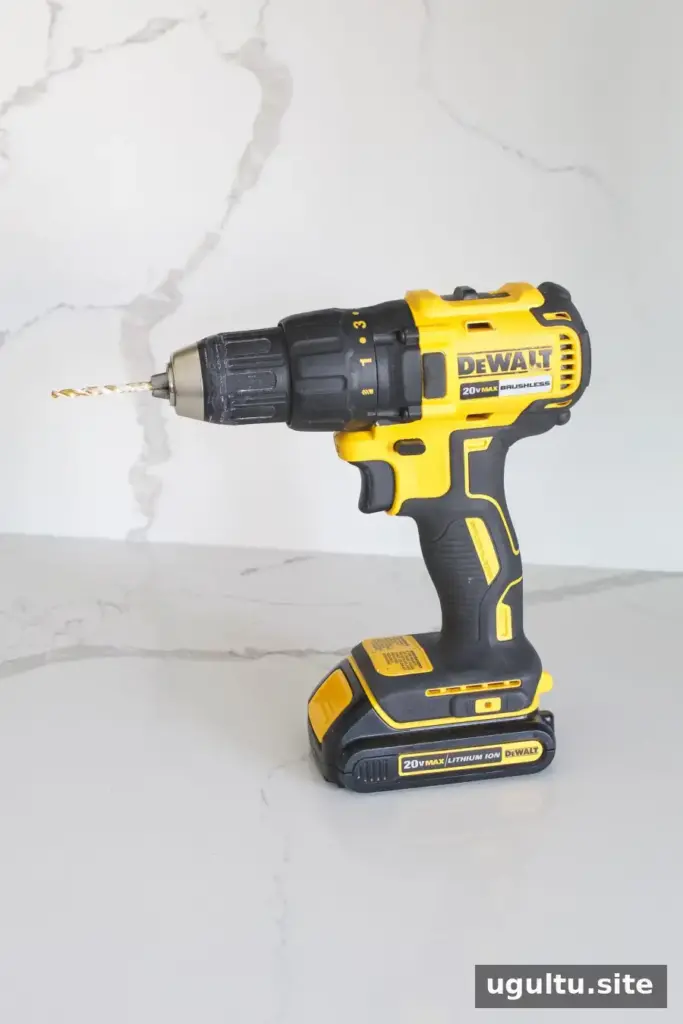
Models in the 18–20-volt category, including a 20-volt drill, can cover a broad range of projects. A 12-volt option may be adequate for lighter work around the home. Voltage alone does not determine suitability: also compare weight, handling and the manufacturer’s stated capabilities.
Check whether the listed price includes a battery, charger and case. A tool sold without a battery or charger requires compatible equipment before cordless use.
Storing Your Drill and Accessories
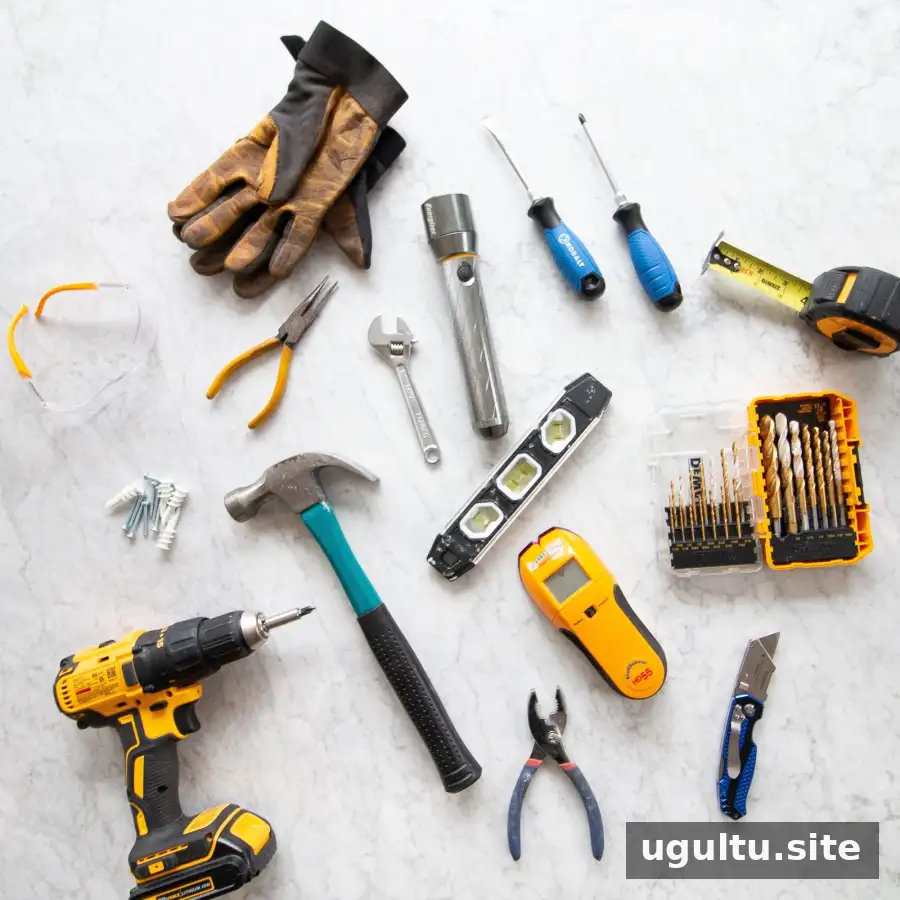
Keeping the drill and its accessories in a dry case or tool bag helps protect them and reduces time spent searching for missing parts. Separate bits by size and purpose so the correct accessory is easy to identify.

Before storage, stop the tool completely and prevent accidental activation according to its instructions. Remove accessories when appropriate, let hot bits cool before handling and follow the manufacturer’s battery-storage guidance.
Battery Charging and Compatibility
There is no single charging schedule that suits every drill. Runtime changes with battery capacity and condition, material resistance and the amount of drilling or fastening involved. Check the charge indicator if fitted and recharge as directed in the manual.
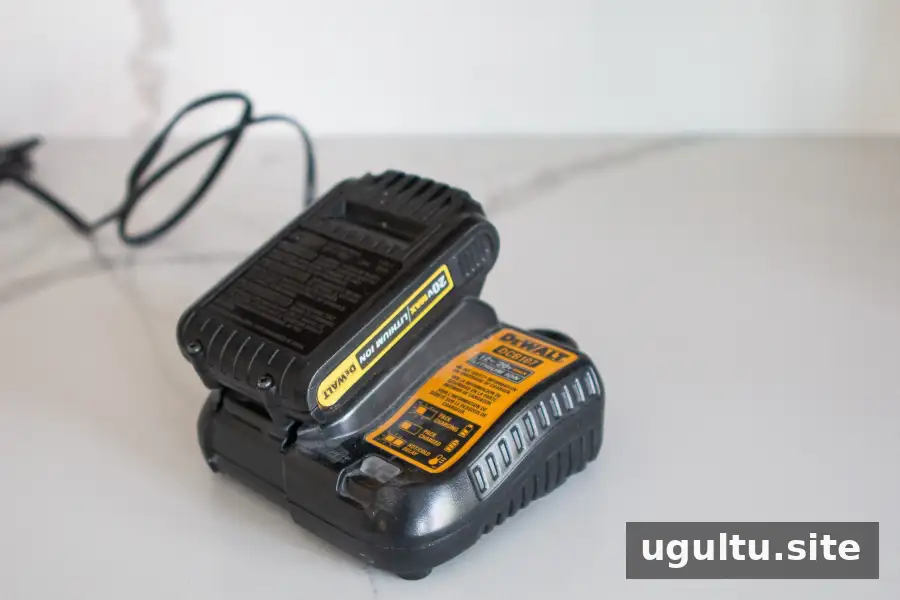
A shared battery platform can simplify ownership of several cordless tools, but only explicitly compatible batteries and chargers should be used. Similar appearance or a matching voltage rating does not establish compatibility.
Choosing the Right Drill Bit
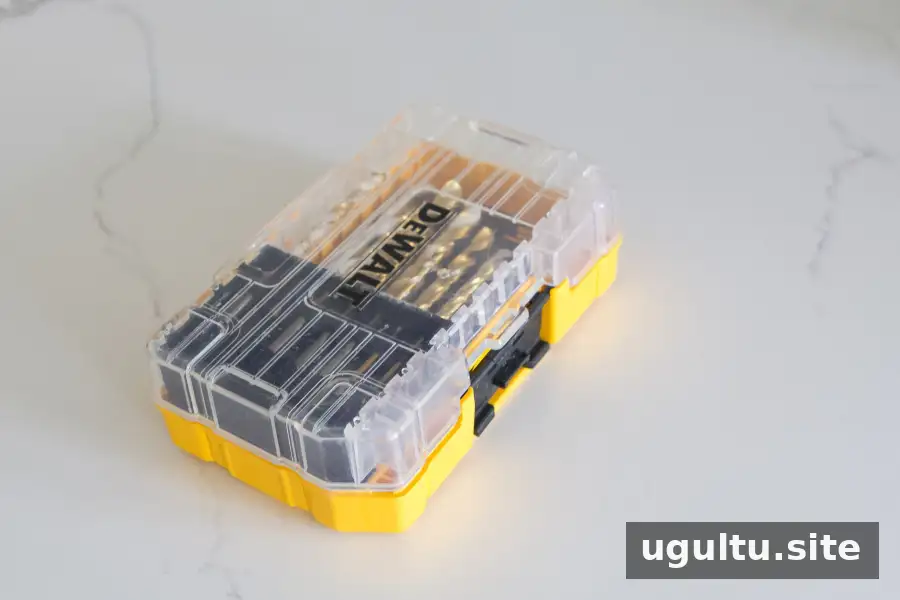
Start by distinguishing between accessories that drive screws and those that cut holes. Then check the required size and material rating. Worn cutting edges or damaged driver tips can slip, produce poor results and place unnecessary strain on the tool.
Screwdriver Bits
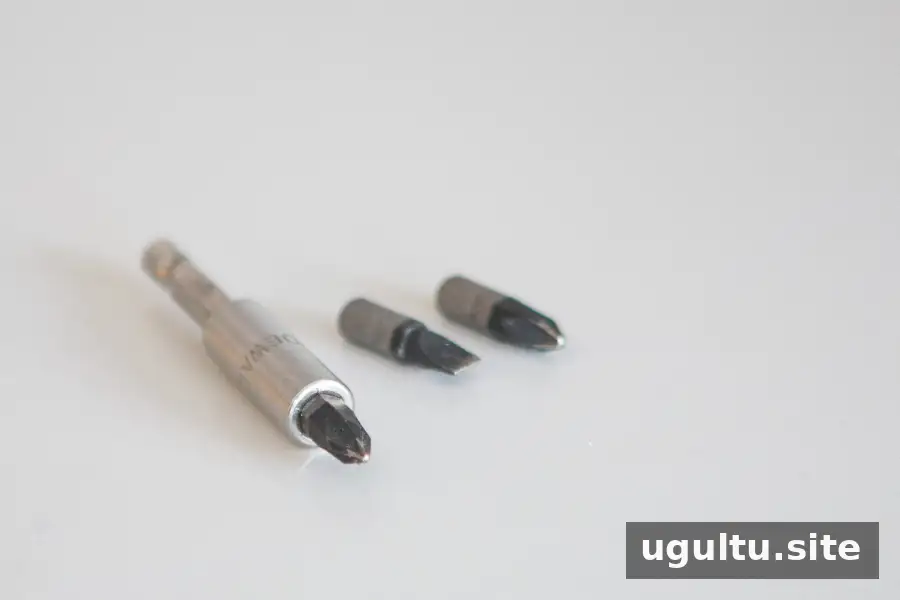
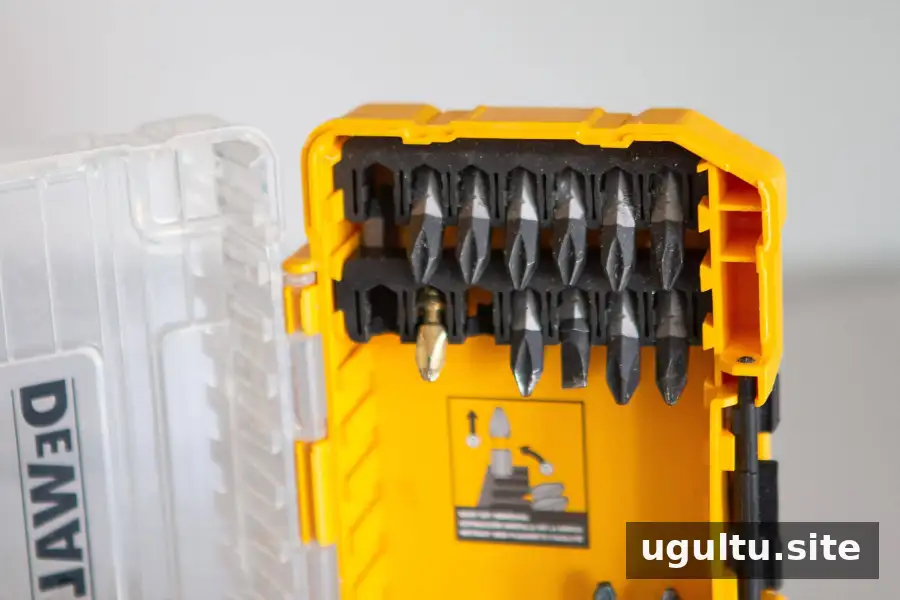
Driver tips include flathead and Phillips patterns in multiple sizes. Choose a tip that fully engages the screw recess without rocking. Depending on the accessory, it may be secured directly in the chuck or inserted into a suitable holder, sometimes with magnetic retention.
Keep the bit aligned with the screw as you drive it. An angled approach increases the chance of slipping and damaging the head.
Twist Bits and Pilot Holes
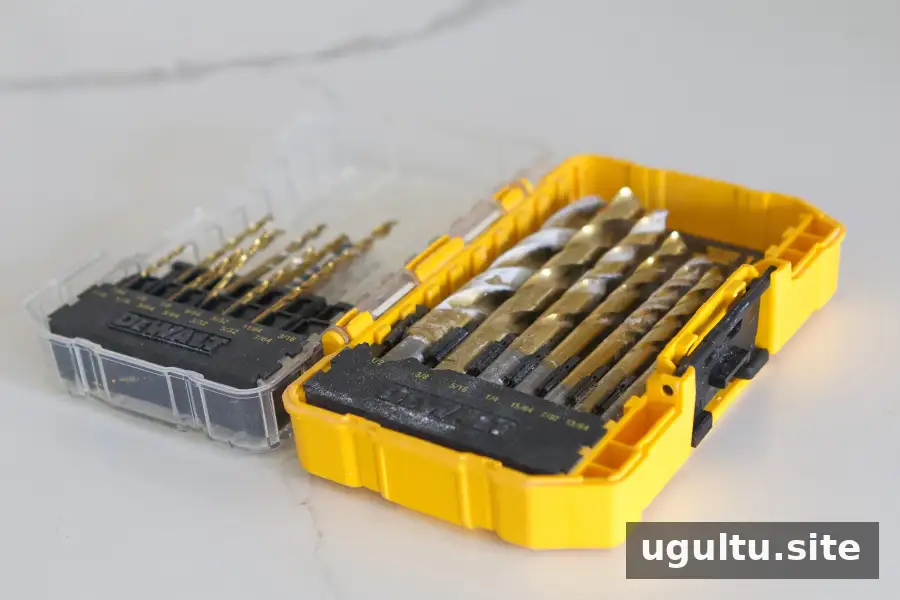
A suitable twist bit cuts a hole in the material it is designed for. A pilot hole is a smaller preliminary hole that guides a screw and can reduce splitting, particularly near the edges of timber.
For an anchor installation, follow the anchor manufacturer’s specified hole diameter and depth. Do not estimate the bit size by comparing it with the screw alone.
Countersink Bits
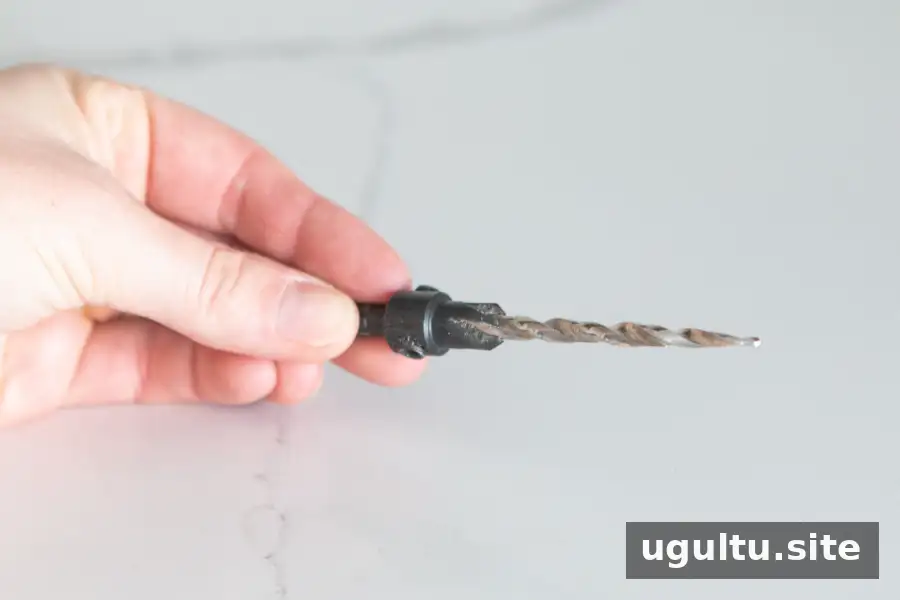
Countersinking forms a tapered recess at the entrance to a hole, allowing a compatible screw head to finish level with or beneath the surface. It is useful where a raised head would interfere with another component.
Make a test recess in scrap first and increase depth cautiously. Excessive countersinking removes material that cannot simply be put back.
Paddle or Spade Bits
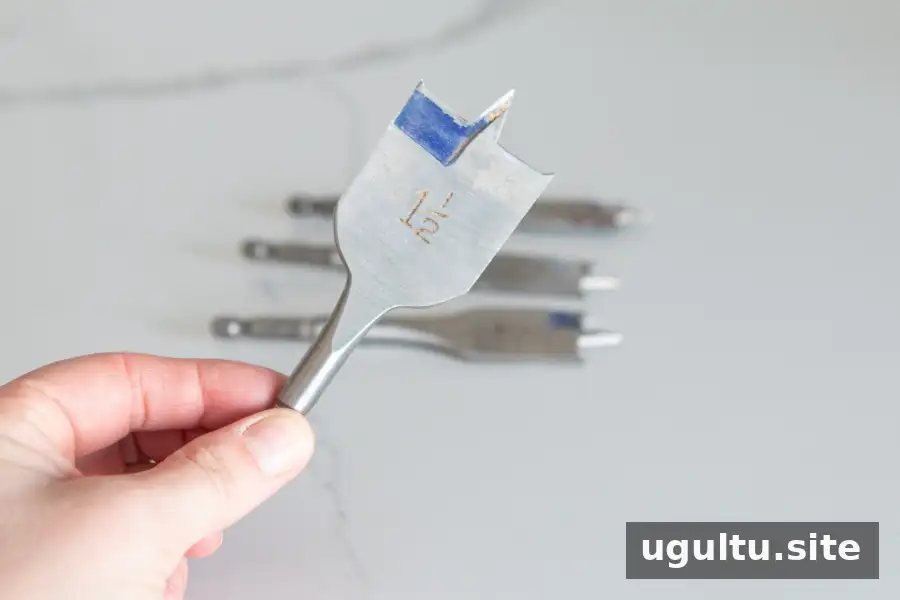
Paddle bits, also known as spade bits, cut relatively large holes in suitable materials such as wood. The marked size corresponds to the intended hole diameter.
Clamp the work firmly and position the centre point accurately before starting. These bits can catch, so maintain a secure grip and use any auxiliary handle required by the tool manufacturer.
Changing a Drill Bit Correctly
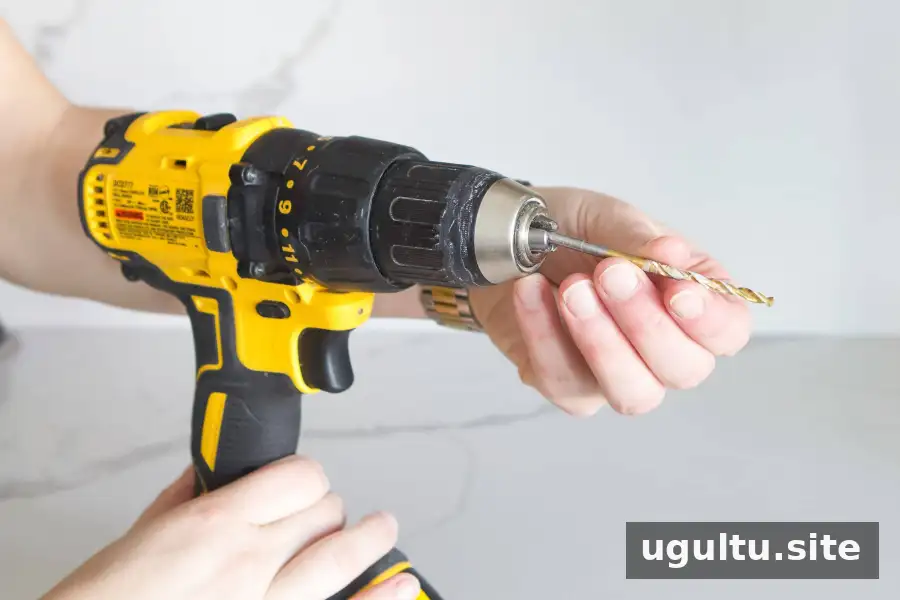
- Release the trigger and wait until all rotation has stopped.
- Disconnect the power supply: remove the battery from a cordless tool or unplug a corded drill before changing accessories.
- For a keyless chuck, loosen the jaws by turning the chuck as directed in the manual.
- Position the bit centrally, with its shank held by the jaws rather than its cutting edges.
- Tighten securely, then check that the bit is straight and firmly retained before restoring power.
Chuck designs differ. If yours uses a key, follow the prescribed tightening procedure and remove the key before operating the drill.
How to Use a Power Drill Safely
Put on protective eyewear, restrain long hair and keep loose clothing away from rotating components. Clamp small workpieces instead of holding them in your hand, and check that the bit’s exit path is clear beneath the material.
Mark the drilling point and hold the tool in line with the intended hole. Begin with gentle trigger pressure to establish control, then adjust speed as appropriate for the bit and material. Avoid pushing hard enough to stall the motor.
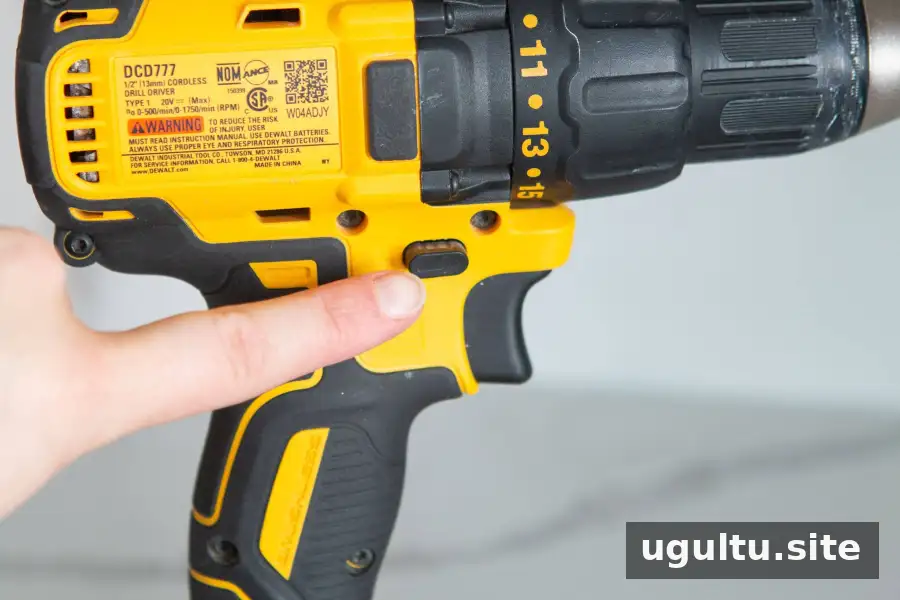
The direction control selects forward or reverse rotation. Forward is normally used for conventional drilling and tightening screws; reverse loosens screws. Allow the tool to stop fully before changing direction.
If the bit jams, release the trigger immediately. Disconnect power before investigating, and never try to steady a rotating bit with your fingers.
Selecting the Speed Range
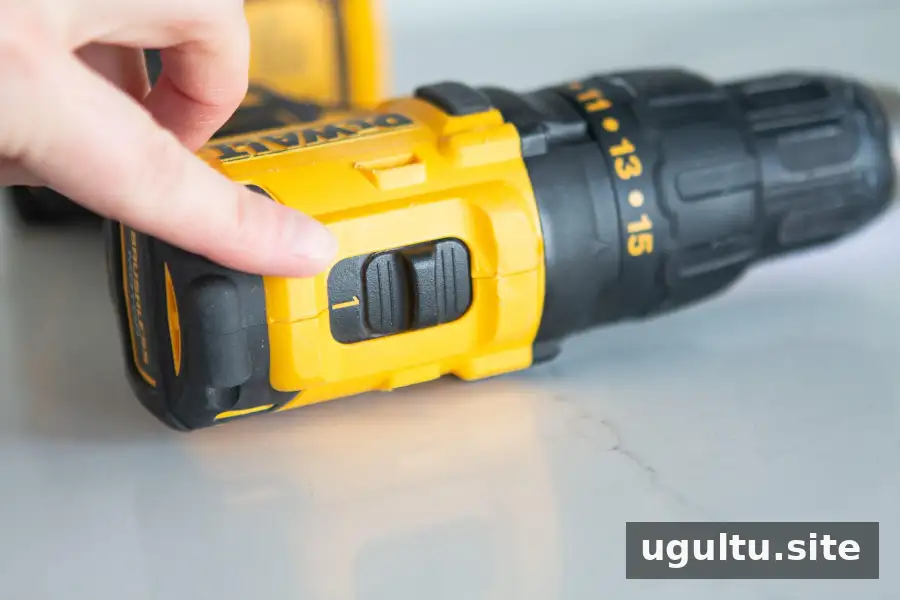
On many drills, gear 1 provides a lower-speed range suited to controlled screwdriving, while gear 2 provides a higher-speed range often used for drilling. These are general starting points, not universal settings for every accessory.
Larger bits and different materials may require different speeds. Consult the bit instructions and change mechanical gears only when the drill has stopped.
Understanding the Clutch Numbers
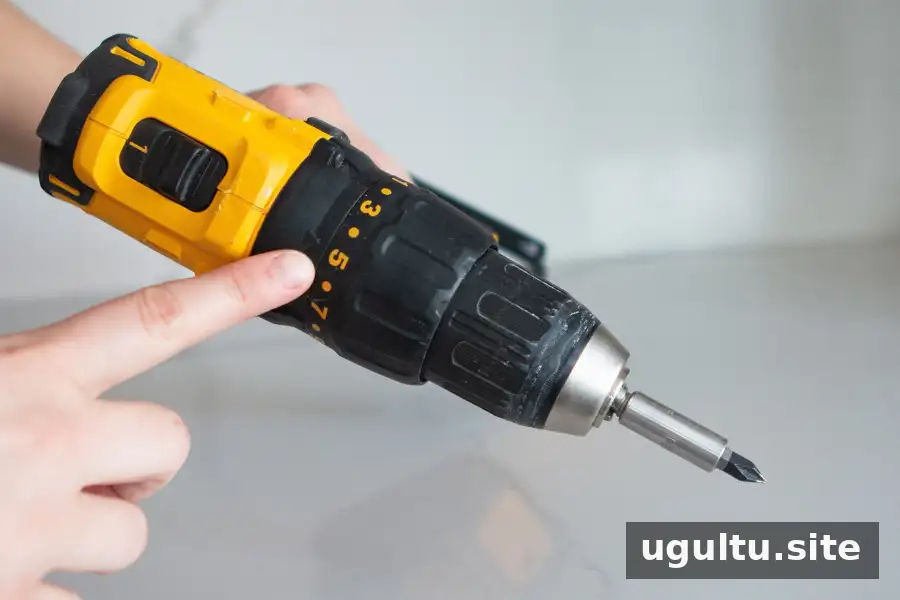
The numbered collar adjusts the torque threshold at which the clutch slips; it does not set the drill’s rotational speed. For driving screws, begin with a low setting and raise it gradually if the fastener stops short.
This approach helps limit stripped screw heads and crushed surfaces. For boring holes, select the drilling mode specified in the manual rather than assuming a numbered clutch setting is required.
Choosing a Drill for Home Use

Compare tools by the work you expect to undertake, their weight in your hand, compatible battery availability and included equipment. A compact model may be easier to handle inside cabinets, while demanding tasks require a tool rated for that application.
Check the accessory list separately: having a battery and charger does not mean a kit includes every bit you need. Build a small selection around your actual materials and screw types rather than buying accessories without a clear purpose.
Putting Your Drill Skills into Practice
Learning how to use a power drill is mainly about preparation and control. Match the bit to the job, secure the work, begin cautiously and adjust speed or torque deliberately. Practise on scrap, follow the tool’s instructions and stop whenever the drill behaves unexpectedly. These habits provide a dependable foundation for routine home projects.
By Casey